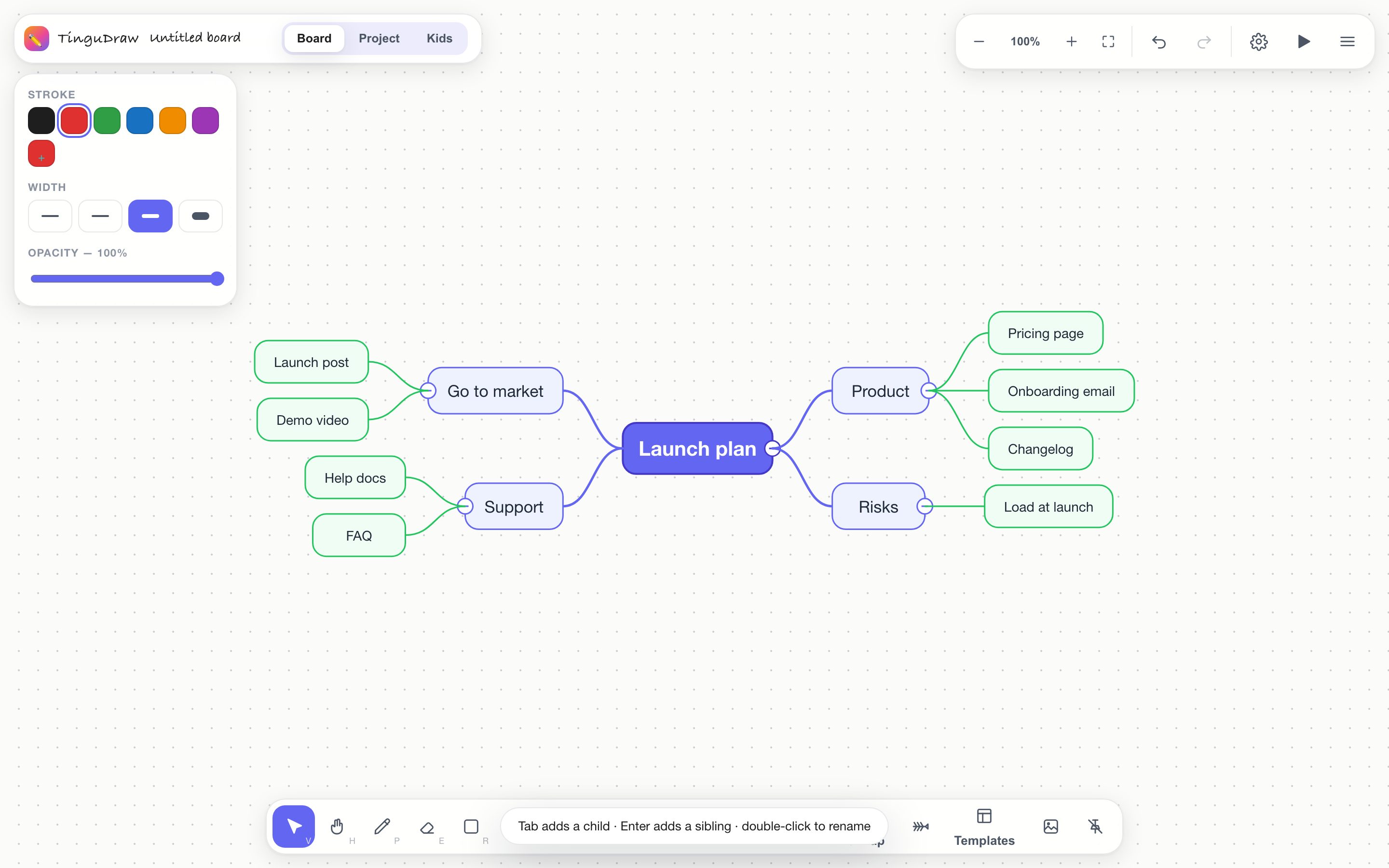
An infinite whiteboard built for a stylus, with the structures you already think in — fishbone, mind map, SWOT — architecture diagrams that snap together, and a Kanban board to turn the result into work. Everything runs in your browser. Nothing is uploaded anywhere.
No sign-up. No account. Works offline once loaded.

Built for the Pencil
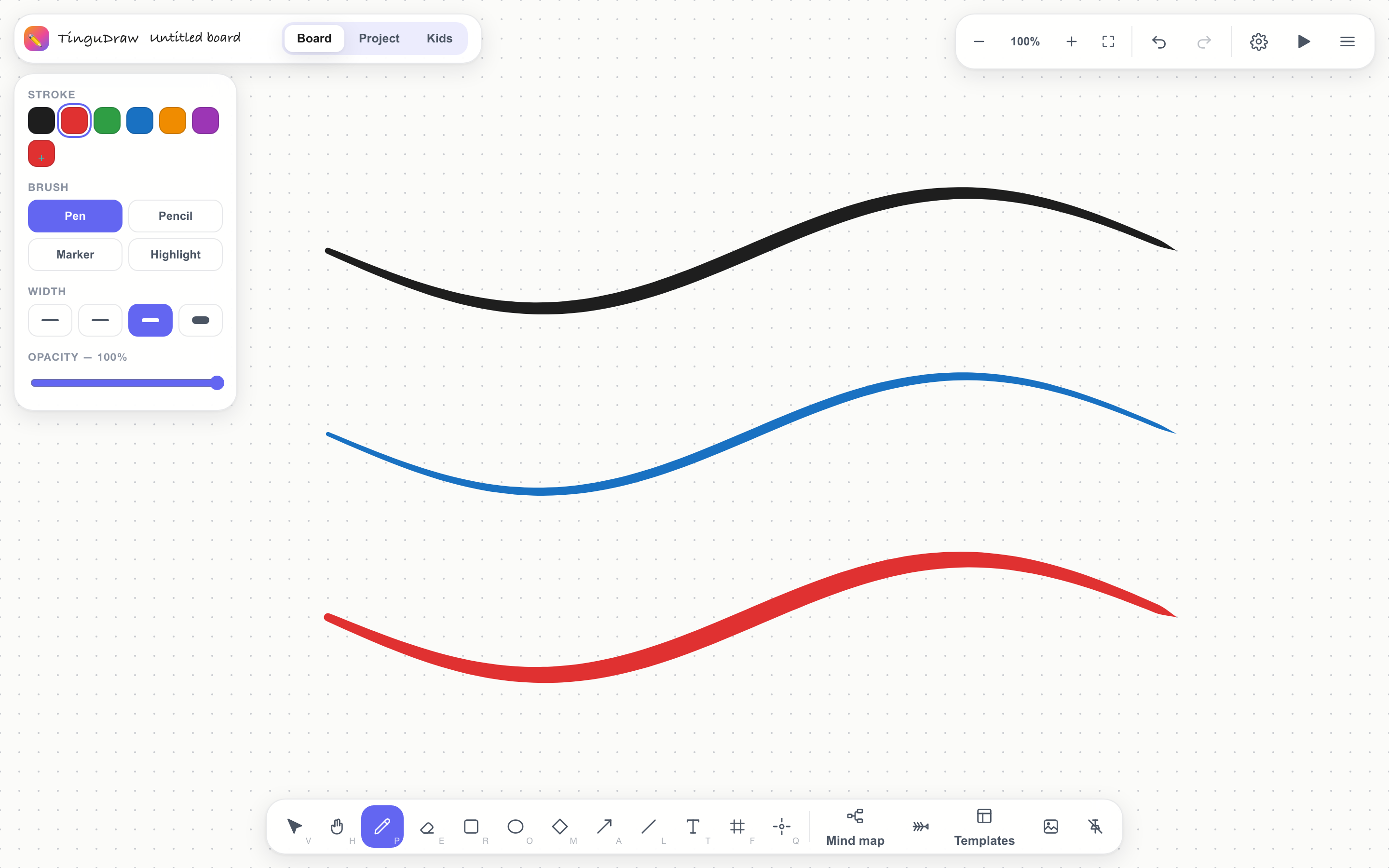
The pen layer is hand-written rather than borrowed, because the borrowed ones get this wrong. Press harder and the line gets heavier — really, not simulated.

Brainstorming
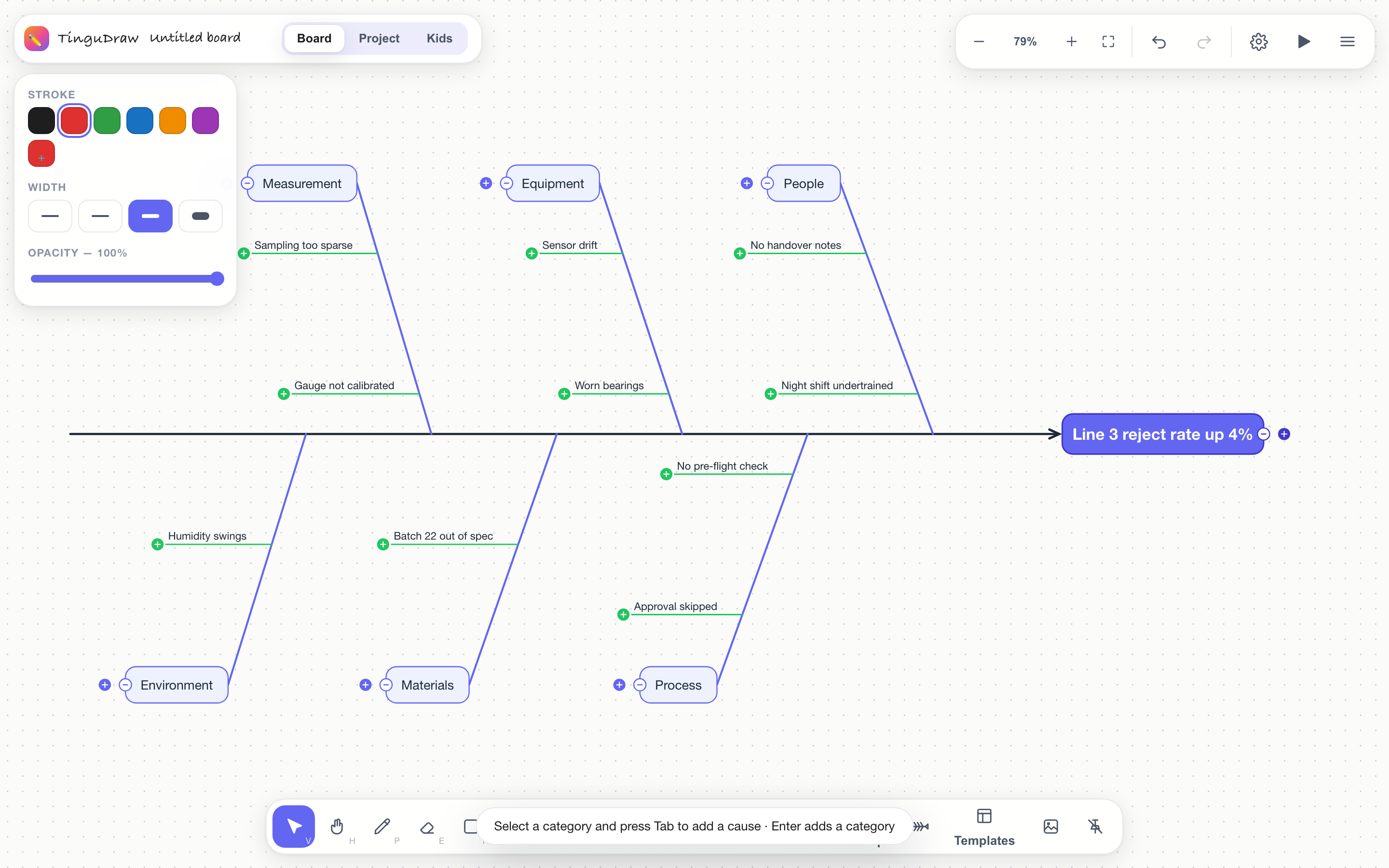
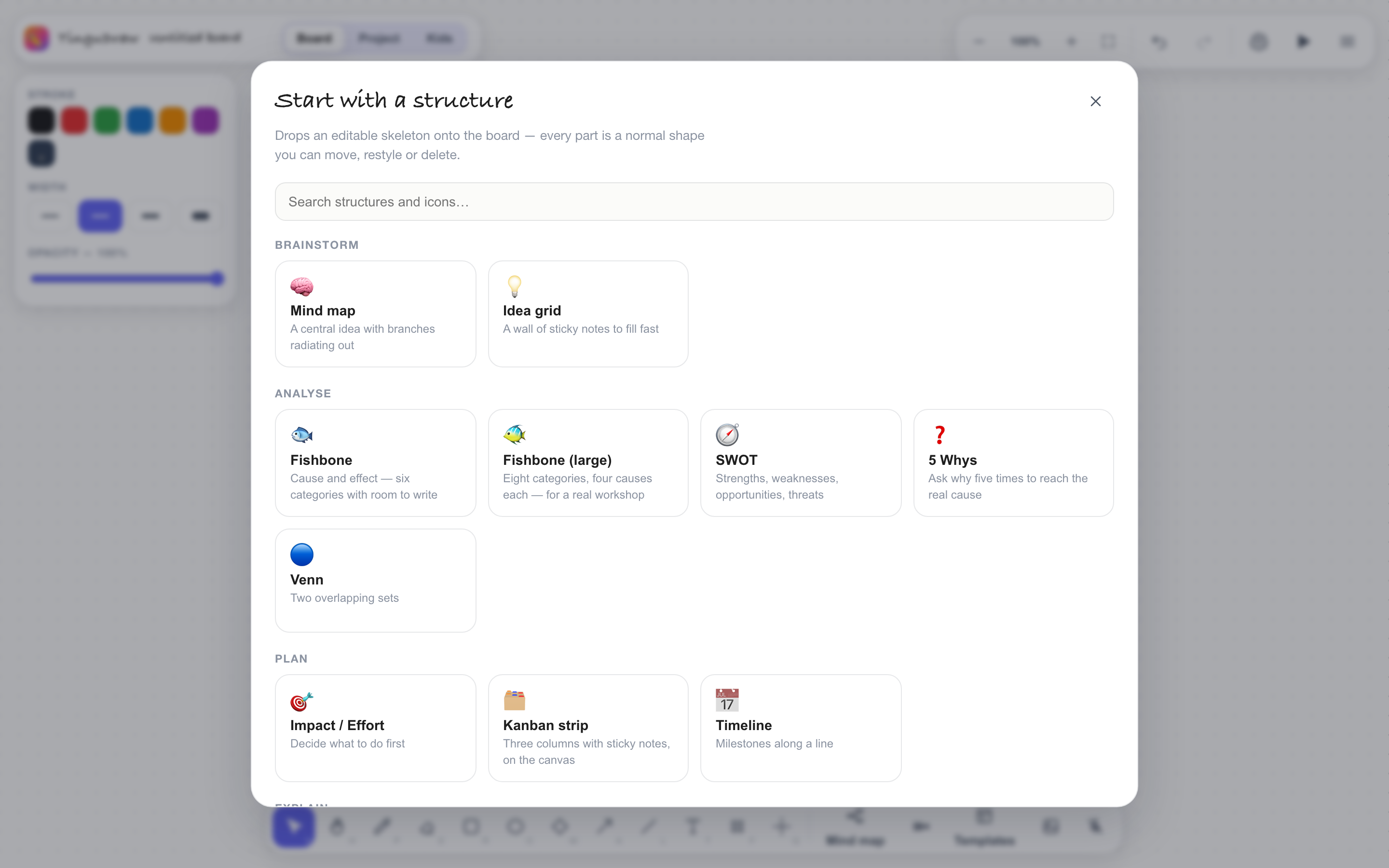
The hard part of a fishbone was never the drawing — it's remembering the shape of the method. Drop one in and start filling boxes.

Diagrams that hold together
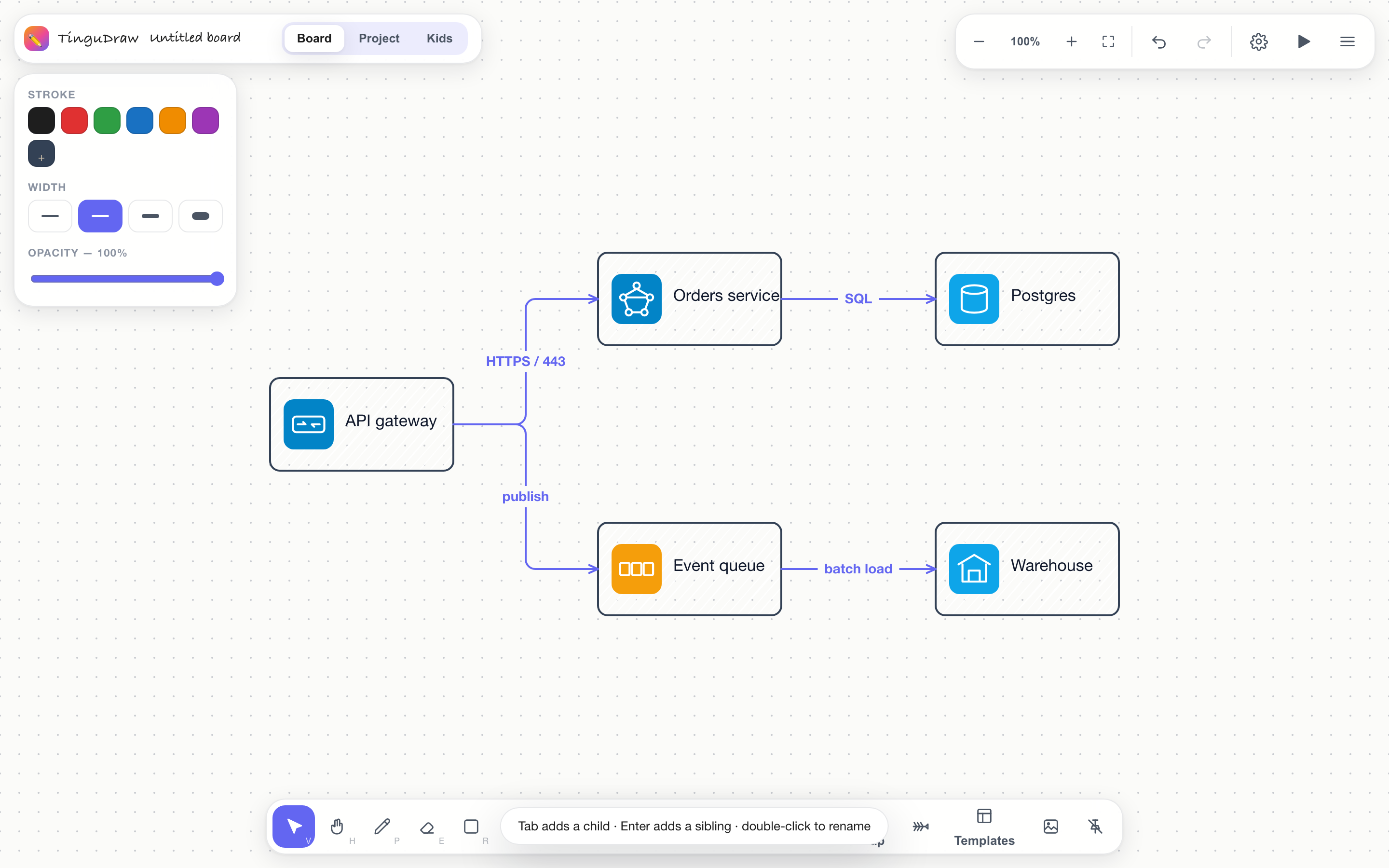
Hover a shape and drag one of its four ports onto another — the connector routes itself as a clean elbow and stays attached. Double-click it to put a label on the line. Seventy-two built-in stencils cover servers, queues, databases, load balancers, firewalls, containers, pipelines and the rest.

The n8n gesture. Pull from a port, drop on a shape, done — no picking a line tool first.
Switch a connector's shape any time. It re-routes from the endpoints, so it never points at where a box used to be.
"HTTPS / 443", "publish", "batch load" — set on a chip that keeps the line from cutting through the text.
Guides appear as you drag, and align/distribute evens up a row properly — equal gaps, not equal centres.

Explaining things
Draw slide frames on the canvas and step through them. The camera flies to each one, the laser pointer fades behind you, and you can annotate live without leaving the board.
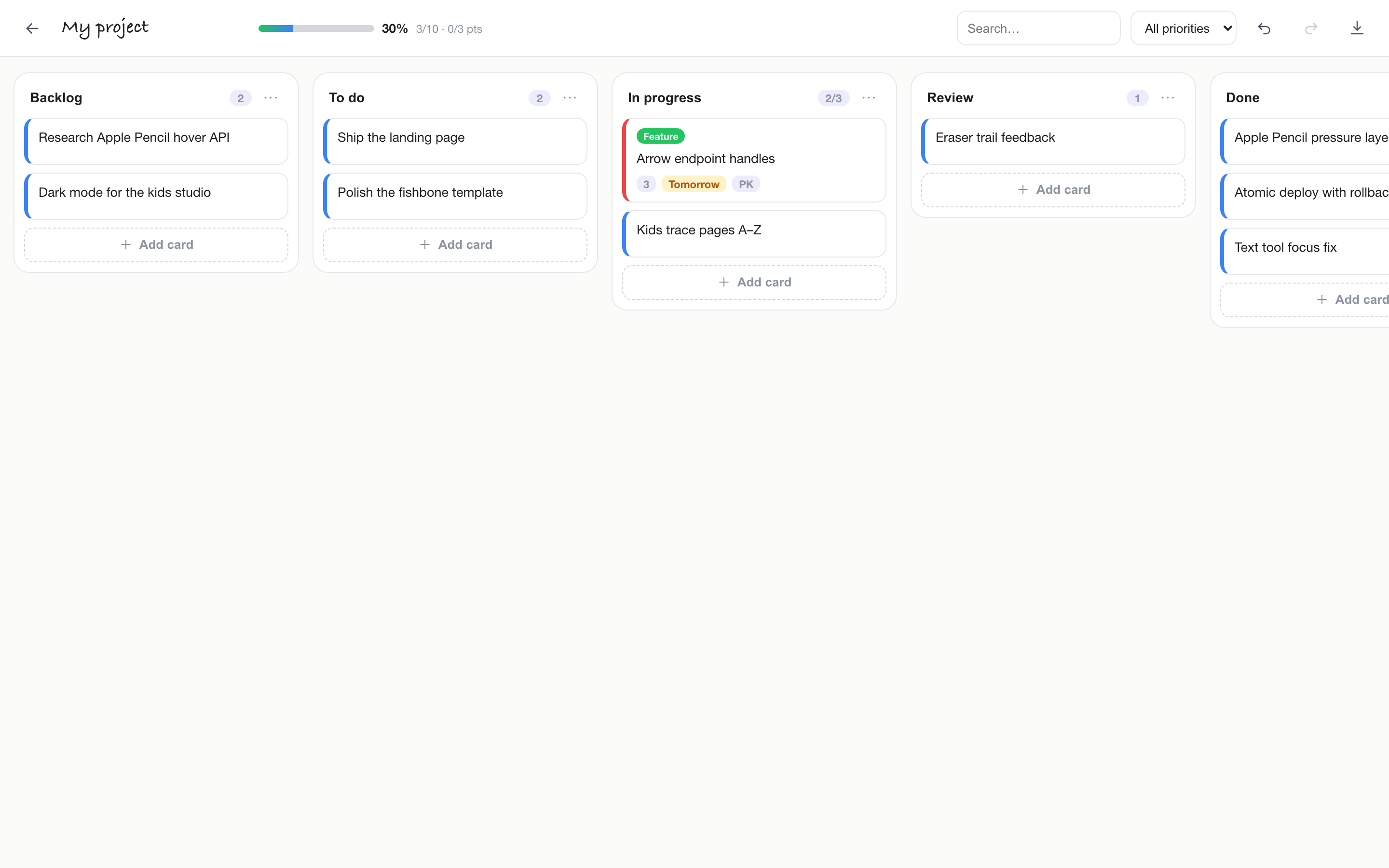
Kanban & project board
A full Kanban board in the same app — the Jira-shaped bits without the Jira. Columns you can rename and reorder, drag-and-drop between them, labels, priorities, assignees, due dates, story points, checklists and WIP limits, with search and filtering across the whole board and a progress bar that actually tracks what's done.

Set a limit per column and the board tells you when to finish something instead of starting another.
Colour-coded labels, four priority levels, assignee and due dates that turn red when they slip.
Break a card into steps and watch the count fill in — the thing lightweight trackers usually skip.
Export the whole project as plain JSON. No lock-in, no subscription, no server.
For the little ones
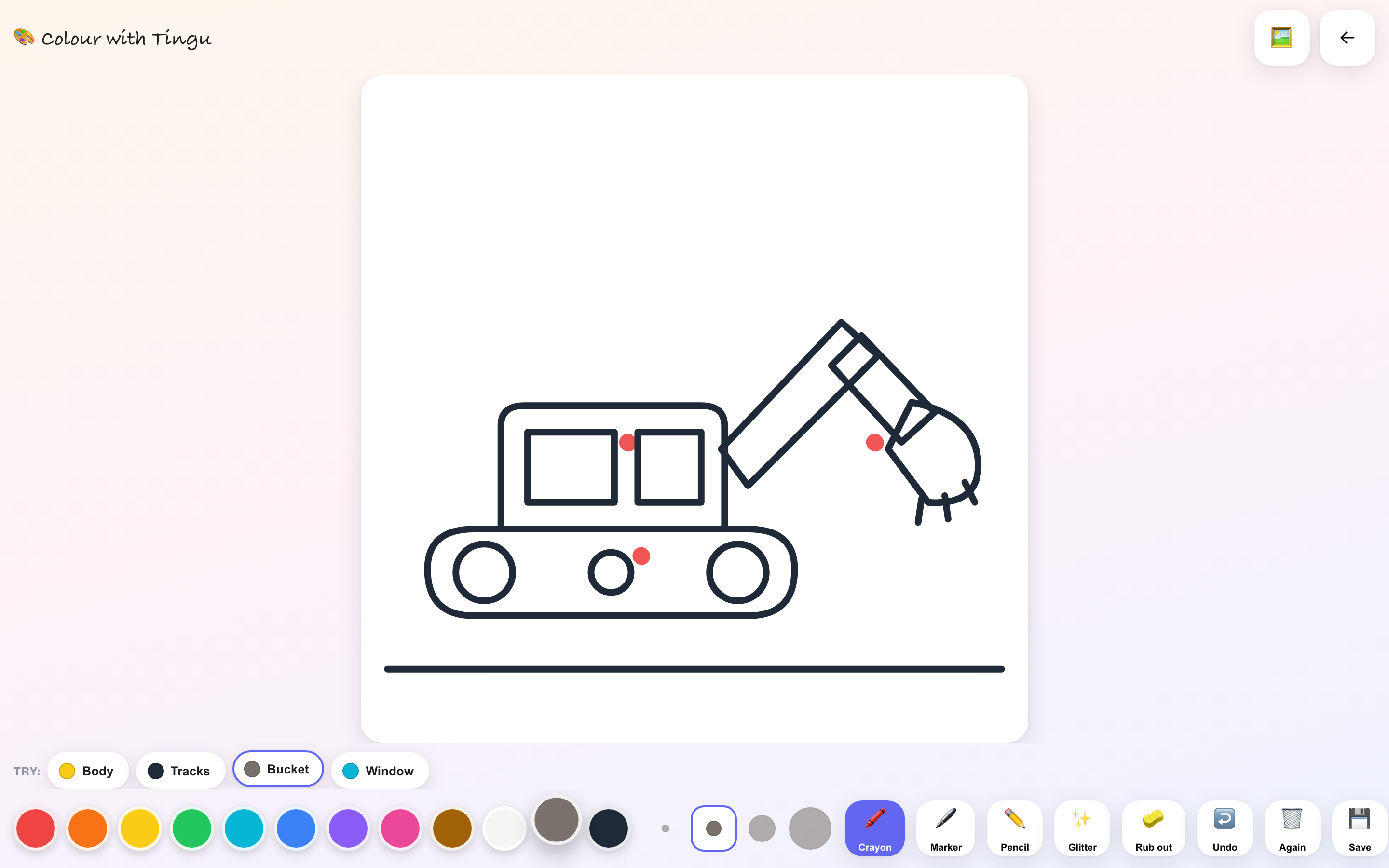
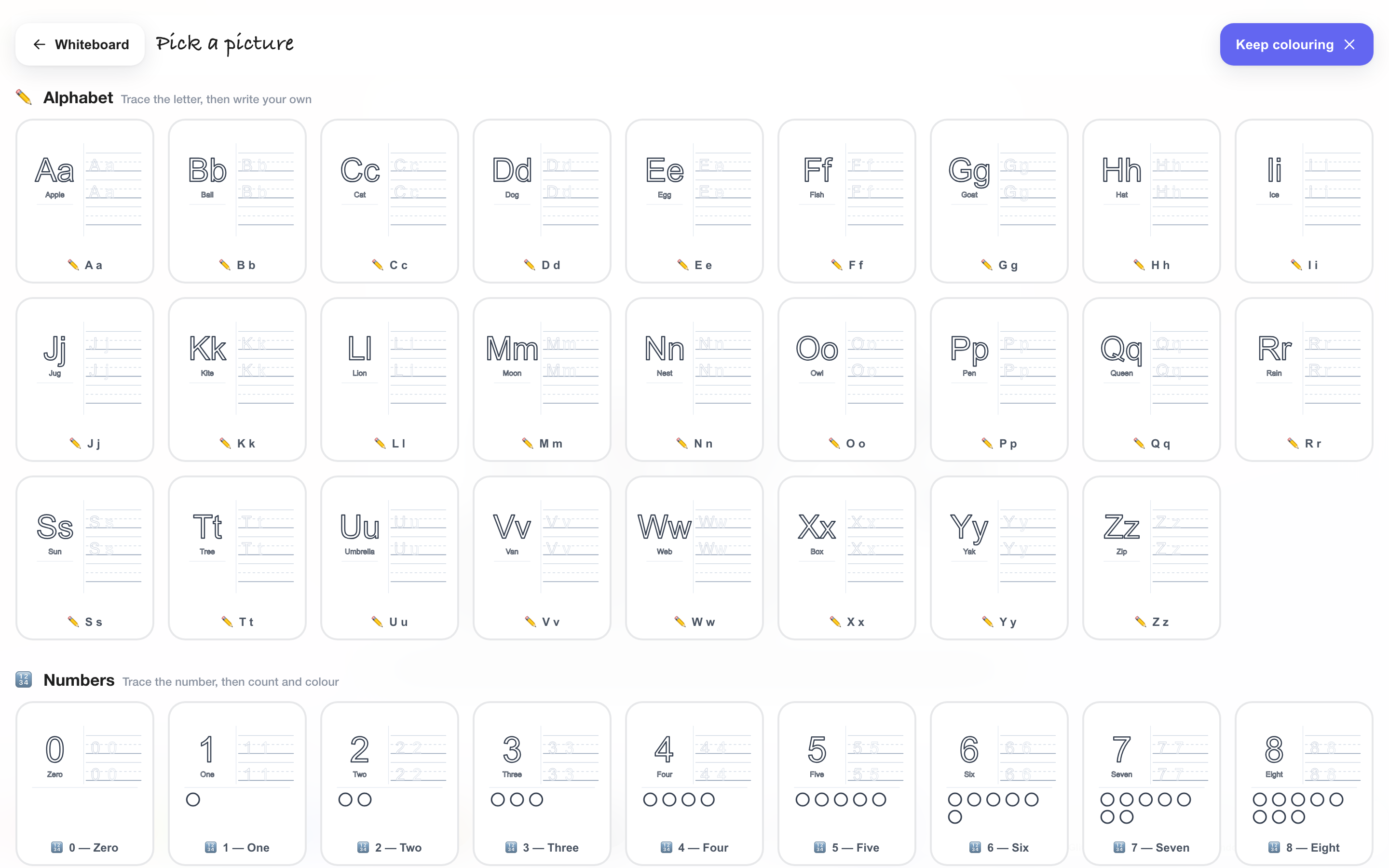
69 pictures to colour — diggers, dinosaurs, rockets — plus tracing pages for the whole alphabet, numbers with things to count, and shapes. Built for a small hand on a big screen.


Learning
A–Z upper and lower case, 0–9 with objects to count and colour, and eight shapes. Each page has the school three-line format — solid top, dashed middle, solid baseline — with fading guides that run out so they finish it themselves.
On the iPad
There's no App Store download, and it doesn't need one. Add it to the Home Screen and it launches full-screen with its own icon, no browser bars, exactly like an installed app.
In Safari on the iPad, tap Open TinguDraw so you are on /app — iOS pins whatever page you are looking at, and you want the board, not this page.
The share button in the toolbar, then Add to Home Screen.
It gets a proper icon and opens full-screen with no address bar.
Open /app#kids first and add that — it opens straight into the paint studio.
The honest part
Your work lives in your browser. The page makes no third-party requests at all — no analytics, no fonts, no CDN.
About 115 KB gzipped, and it genuinely works offline — a service worker keeps the app and its assets on the device, so the Home Screen icon opens with no network at all.
Boards are JSON. Export to PNG, SVG or a .tingu file and open it anywhere.
There's no live co-editing today. Share a file or a screen. Real-time needs a server, and that's a deliberate decision, not an oversight.